




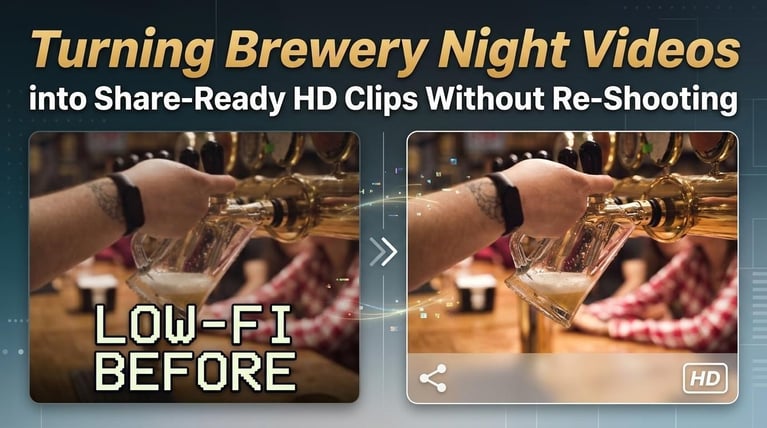
Turning Brewery Night Videos into Share-Ready HD Clips Without Re-Shooting
 Story by:
Beer Blog
It’s 9:40 pm on Saturday. The new brew is finally on the tap. The house is full. The band is loud. The brewer can finally take that first sip. Someone pulls out the phone and captures it. Awesome! But wait until tomorrow. When you review the video, it’s dark and grainy.
And on Instagram, it looks even worse. Can you take it again? No!
The crowd is gone, and the party has ended. But make sure not to delete that video yet. With a few easy fixes, you can make it look clearer.
Why Do Brewery Videos Look So Bad the Next Day?
Your taproom looks nice at night. The lights, music, and the crowds make the place really come alive. But your phone camera will not always perceive it in the same way. The reasons are:
- Too little light: The warm lamps, neon signs, and little lights create a visually appealing ambiance that can make footage stand out in an advertising campaign. However, phone cameras generally perform best in daylight. When there isn’t enough light, videos can appear grainy and lose quality.
- Mismatch of light colors: The yellow streetlights, blue lights, and bright stage lights that are all mixed up will be one of the problems. Your lovely golden beer might appear dull, whereas people’s faces could look weirdly off.
- Too much movement: The dancers, the people who are walking, and the people raising their glasses- it’s hard to capture them on a moving phone.
- Inefficient phone devices: Not every person has the newest version of an iPhone. Sometimes, clips come from old devices or via group messages; both can decrease the quality of your clips.
- Loss in quality due to compression: Social media platforms like Instagram, TikTok, and Facebook compress the video file as part of their upload process, which can be a cause for videos looking worse than what they were at first.
Why Can’t Breweries Just Shoot the Video Again?
Some moments only come once. Beer release nights, anniversary parties, trivia finals, live music. When the night ends, it ends. You can’t bring the same crew back the next day or for a second video. And be honest, asking people to make the same “having fun” face for a second video would be pretty awkward.
Small brewers seldom have a camera crew either. Usually it’s the bartender, brewer, or owner who also happens to be shooting between breaks. And you want to shoot it that day, not two weeks from now.
Just check out something like Great American Beer Festival 2026 Wraps Up in Denver or the Texas Craft Brewers Festival 2025 recap. They only happen once. Your best bet will be to repair the footage you already have.
Brew Day for Your Footage: The Five-Step Rescue
Got a bunch of dark, blurry videos from last night? Don’t throw them away. Just like brewing beer, fixing your footage works best when you take it one step at a time.
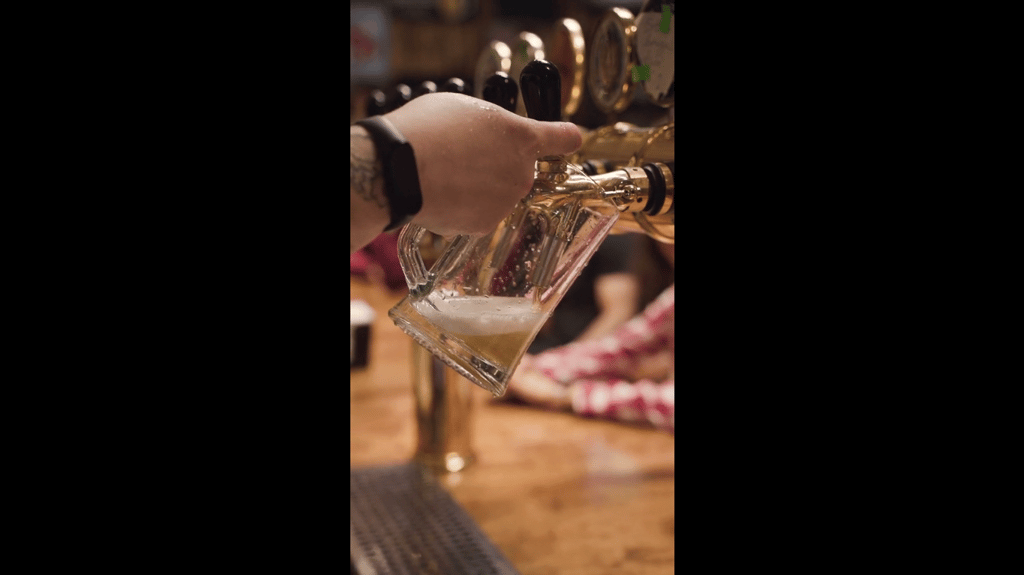
Image/Video source: Pexels
1. The Grain Bill: Check What You’ve Got
First, gather up every video from staff phones, shared folders, and DMs. Ask everybody to send their original files. Video sent via a messaging app can be compressed quality-wise.
Then organize the clips by content. Leave the first pour, crowd, band, brewer’s toast, can-release line, and food truck videos grouped apart.
Now, watch each of these videos and see what is wrong. Are they too dark? Were they blurry? Are they shaky? Or do they have poor quality?
2. The Mash: Skip the Unnecessary Content
Nobody wants to see 30 seconds of someone trying to locate the tap handle. The good parts! Select the best 3-8 seconds from each clip. It could be the first pour, foam filling the glass, or people popping corks.
Fix the shaky beginning, the long silence,e and those charming shots of a person’s pocket. There’s no point spending time enhancing footage you will never want to show.
Furthermore, consider where you’ll upload your content. Use vertical clips for Instagram Reels or TikTok, horizontal videos for YouTube or your website, and square clips for social media updates. You can also turn videos into photos to create eye-catching stills for thumbnails, promotional graphics, or posts across different platforms.
3. The Boil: Turn Blurry Videos into Clear HD Clips
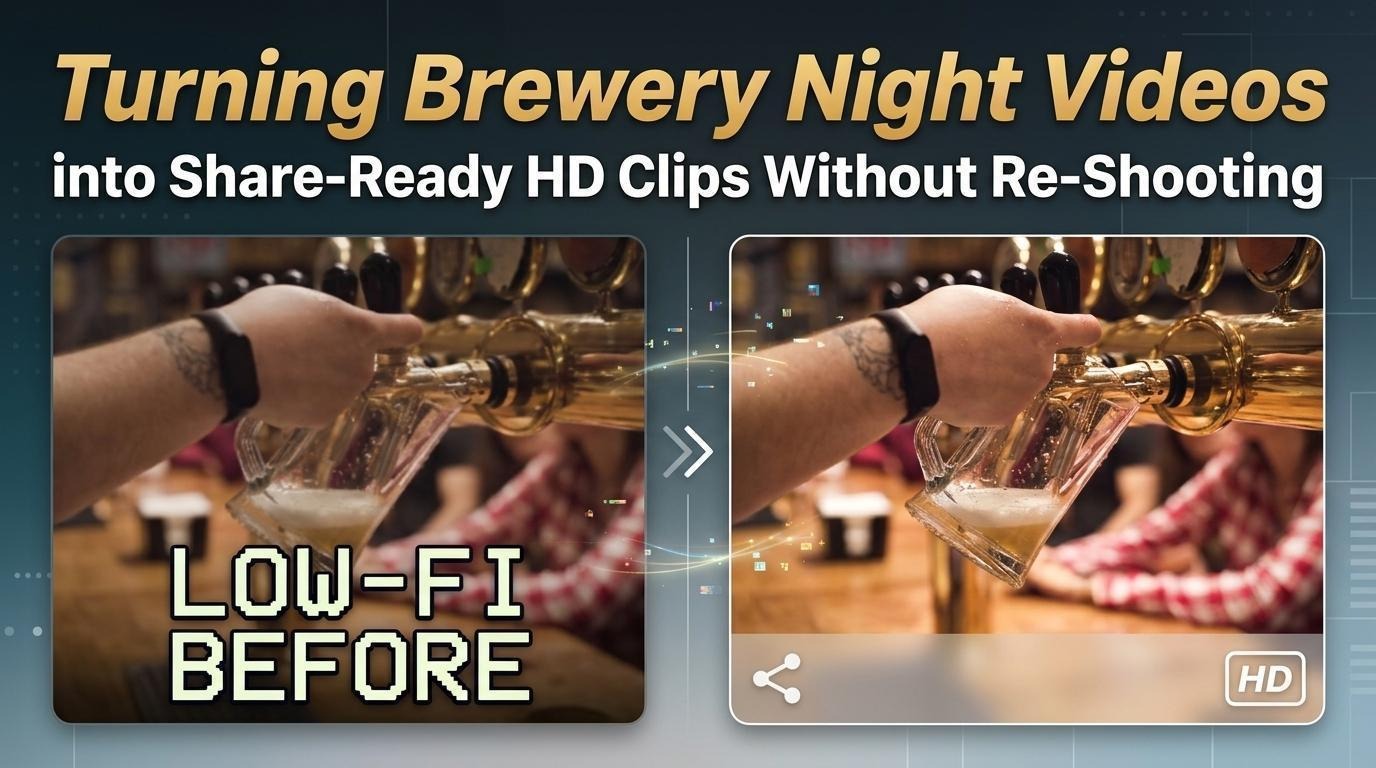
Here’s the exciting part. You’ve selected your top clips, but a few still seem too dim or fuzzy. Don’t worry! There’s no need to re-record. The Vmake Labs HD Video Converter can take those footage shots and make them shine.
Vmake can upscale the video quality of your poor-quality video and turn it into 1080P (Full HD), 2K (QHD), and 4K (UHD). It doesn’t just improve video quality; it enhances detail, colors, and clarity of videos at the same time.
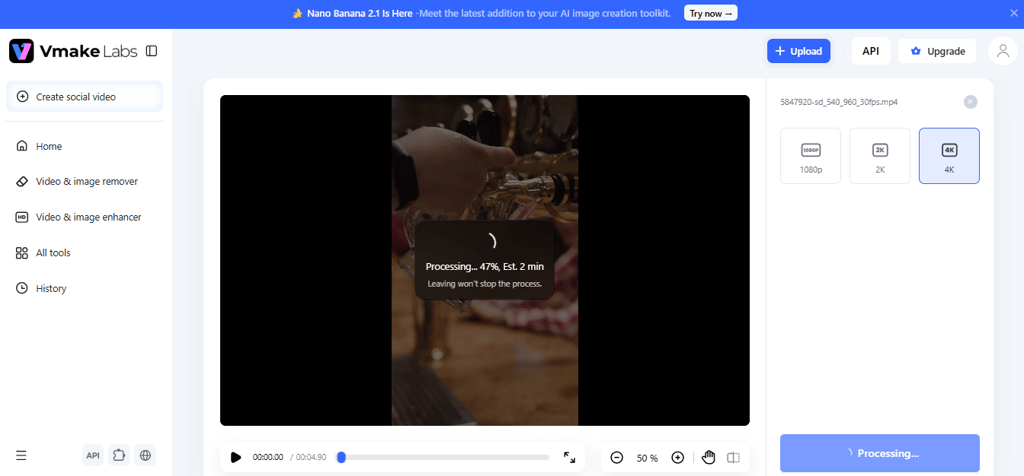
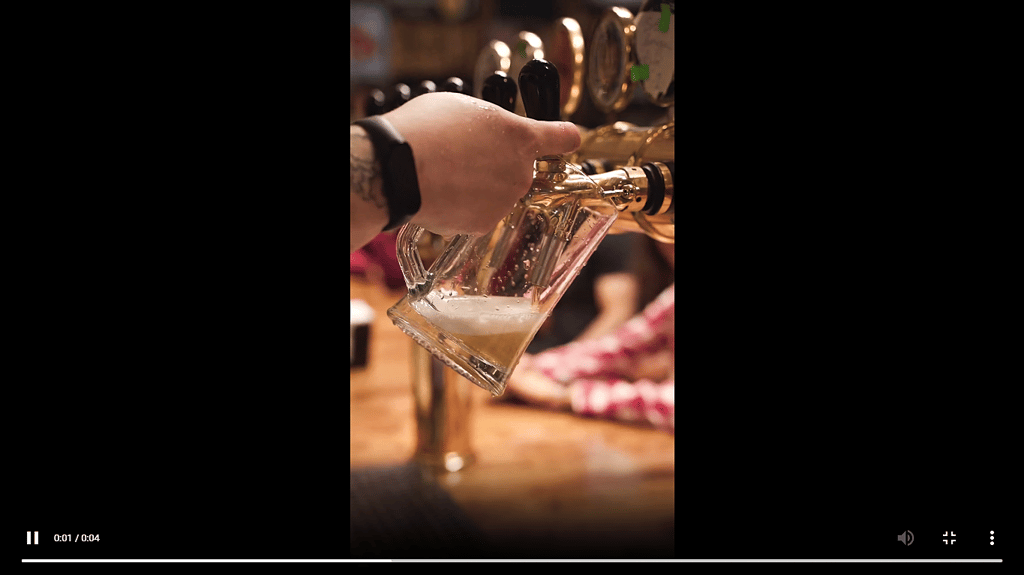
Remember the foam on a freshly poured beer, those droplets of water on your cold can, or the amber glow of your beer. Vmake can enhance those details, so your clips are cleaner, sharper,r and more appealing without sacrificing the essence of your night.
Here’s what makes it useful for brewery videos:
- Clearer videos: Improves blurry clips and makes small details easier to see.
- Better colors: Helps bring back the natural colors of beer, glasses, and brewery lights.
- HD quality: Choose 1080P for social media or 2K and 4K for larger screens.
- Works online: No need to install software. Just open Vmake in your browser.
- Common video formats: Supports MP4, MOV, AVI, and other popular formats.
- Batch conversion: Helps process several clips, so you don’t have to handle every video separately.
4. The Dry Hop: Finishing Touches That Bring Out the Aroma
Your video has improved a lot. However, before you publish it, perhaps you should take a few more steps. Vmake has some other tools that can assist you further.
- Noise reduction: Eliminate the background noise so the brewer’s toast and the band’s intro can be heard clearly.
- Adding captions: A lot of people watch reels without sound; therefore, adding captions will allow the beer name, ABV, or a quick “On Tap Now” message to be visible.
- Making thumbnails: Utilize the AI thumbnail maker to design an image that accurately represents your video when uploaded onto YouTube or your brewery website.
- Text removal: If you have a video of the party you hosted a year ago, you will need to erase old dates or promo text before using it again.
- Enhance HD clips: If your video is already in HD but looks dull, try the video enhancer to improve sharpness and colors of the clip.
Of course, moderation is also a good principle; after all, you want to give the viewer a chance to experience the real brewery night, not a video that looks like a beer commercial.
5. Packaging: Get Your Videos Ready to Share
Your video is excellent. Then, it’s time to share it! However, do you know that not all platforms need the same video dimensions? A clip that looks great on TikTok might not fit your brewery website.
Here’s a quick guide:
| Where to post | Resolution | Video size |
| Instagram Reels / TikTok | 1080P | 9:16 (Vertical) |
| Facebook / X feed | 1080P | 1:1 or 4:5 |
| Website / YouTube recap | 2K or 4K | 16:9 (Wide) |
| Taproom TV / Distributor video | 4K | 16:9 (Wide) |
How Do You Shoot Smarter at the Next Brewery Night?
Want to make the next set of your videos great? Try these five easy suggestions:
- Clean your lens: Phones get dirty very quickly. Just wipe yours off briefly.
- Find good light: Record videos where a lamp is shining light, rather than filming in a dark room.
- Capture both formats: Take vertical and horizontal shots or capture the whole scene if you want to crop the final image later.
- Keep the phone still: Keep holding your mobile phone steady for at least 5 seconds. Moving it too fast should also be avoided.
- Go for the solo: Assign one member of the team to collect all the original videos at the event.
This is not the end. A fast pass of your videos through Vmake can improve the visual quality before posting.
Bring Your Brewery Night Back to Life
It doesn’t matter if the best nights at your local brewery were captured on an old phone behind the bar; the video will still look good after you add the best moments in the clips and enhance the quality with Vmake.
Do you have videos from last weekend? Vmake has an HD video converter that lets you edit videos right in your browser. It’s free to start and works directly online, making it easy to share highlights from your brewery day. Get those clips posted by noon, then get back to pouring beer!


Comments 0
No Readers' Pick yet.